TCP calibration for all robots - Z1305

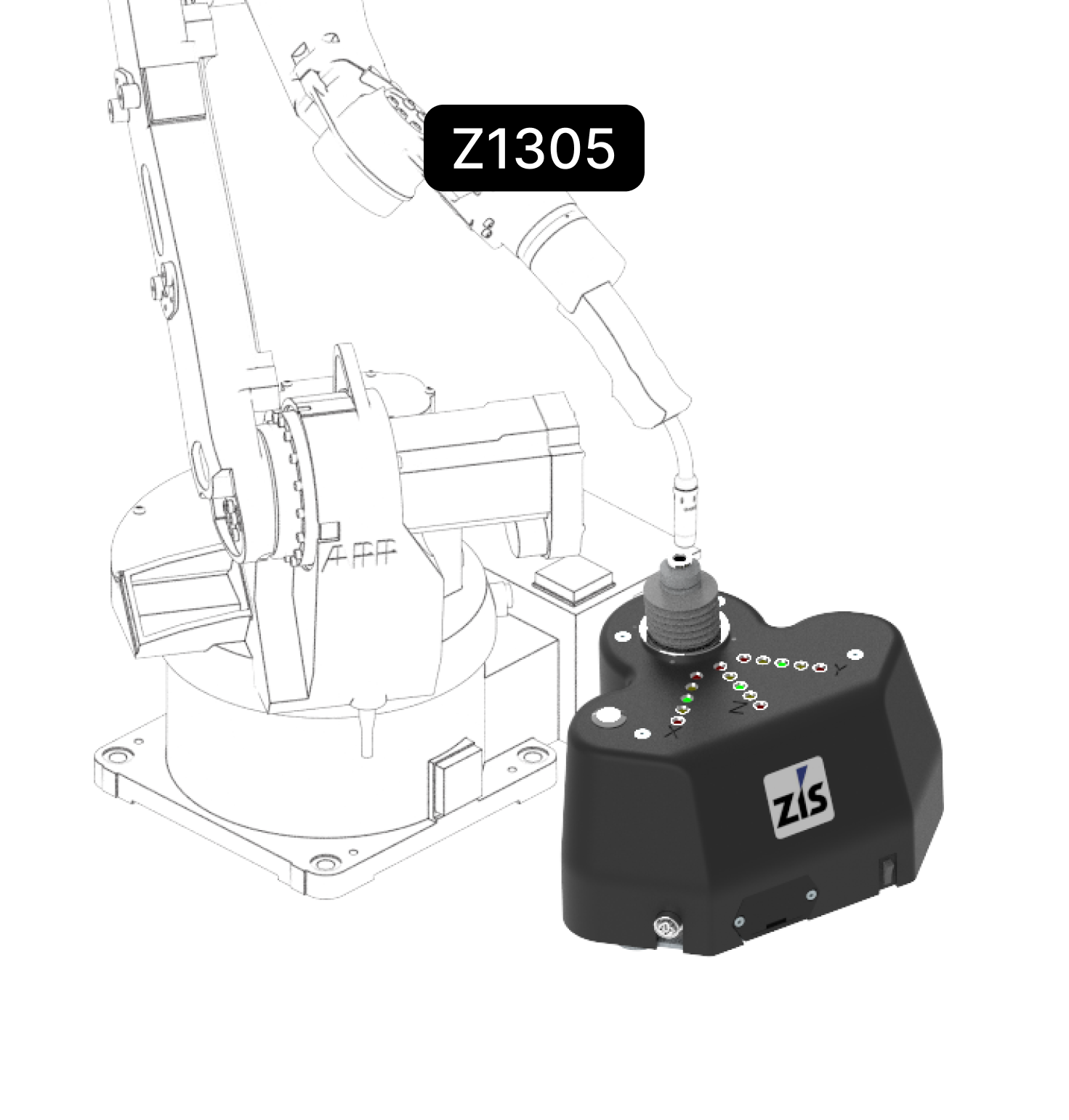
Affordable, mobile solution for simple and highly accurate Tool Center Point (TCP) calibration – wireless, autonomous, and ready to use with no training required.

Device benefits at a glance

No training required to use the application
Very high calibration accuracy (<0.15mm).
LED display for visualizing the TCP position and Wi-Fi interface with analysis software RobCal included in the scope of delivery
No software required on the
robot - compatible with all robots
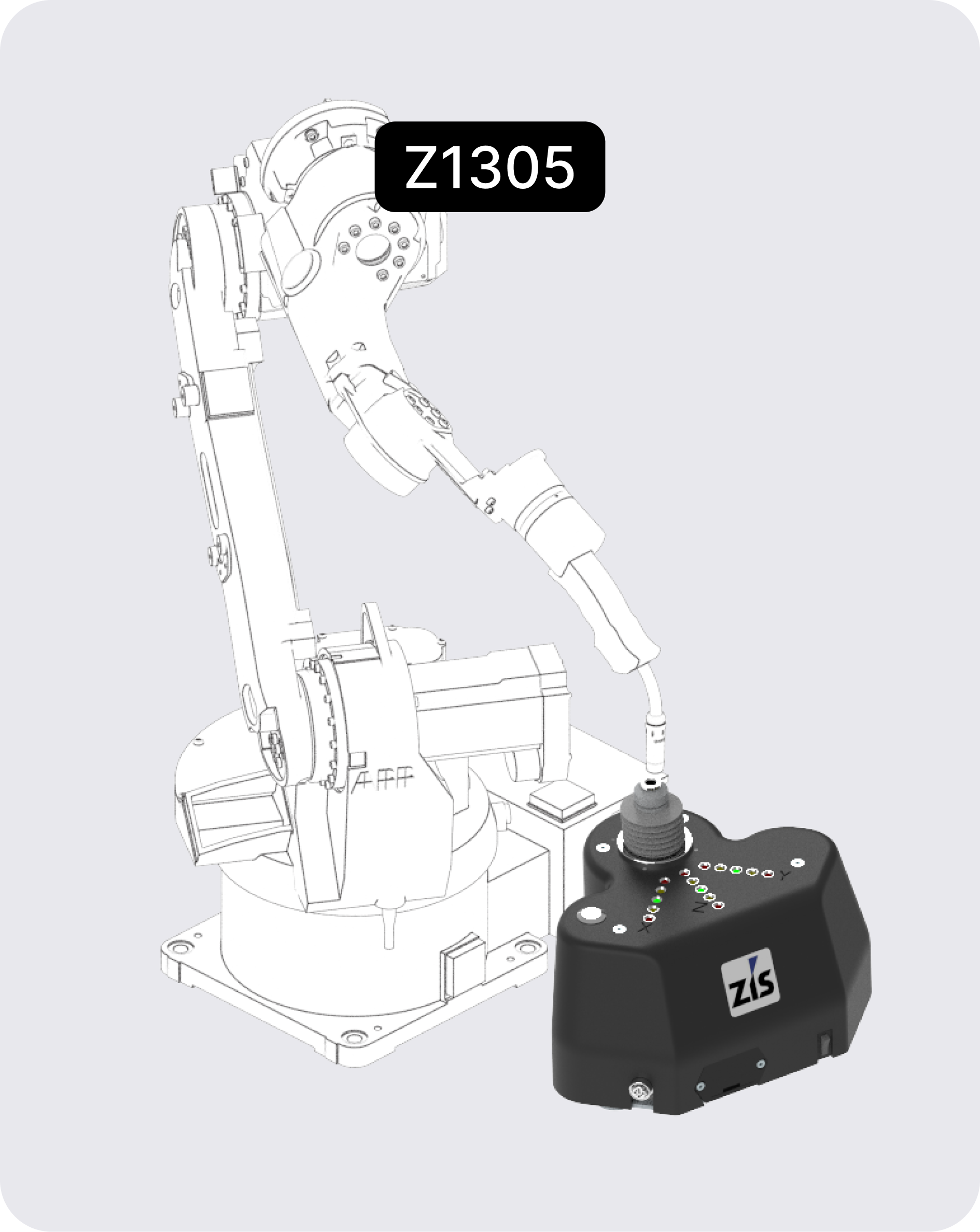
How our TCP-calibration unit works

Analyze TCP measurement data
with RobCal®
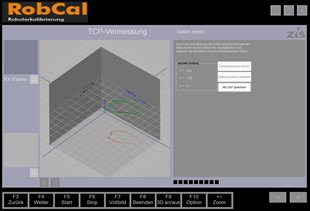
01
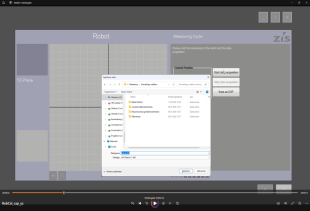
Recording, visualization, logging, and analysis

02

Export measurement data in DXF format

03

Simple step-by-step user guidance

04

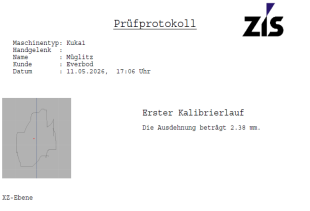
Export measurement report
as PDF

What our customers say

The ZIS calibration unit is a tool that is very easy to learn and use. It features visual "X", "Y", and "Z" LED position indicators. Measured values can be transmitted via the WiFi interface to the included "RobCal" software, where they can be analyzed and logged.
Jay Deibell
Electrical Controls Engineer,
Pacific Research Laboratories, Inc.
The ZIS calibration unit stands out for its user-friendliness. Measuring the TCP with it is very straightforward and makes our work significantly easier. For us, the ZIS calibration unit has been a worthwhile investment.
Tomas Teichmeister
Managing Director, Frasohn GmbH
The ZIS calibration unit is a tool that is very easy to learn and use. It features visual "X", "Y", and "Z" LED position indicators. Measured values can be transmitted via the WiFi interface to the included "RobCal" software, where they can be analyzed and logged.
Jay Deibell
Electrical Controls Engineer,
Pacific Research Laboratories, Inc.
"The ZIS calibration unit stands out for its user-friendliness. Measuring the TCP with it is very simple and makes the work much easier. For us, the ZIS calibration unit is an investment that has paid off."
Tomas Teichmeister
Managing Director, Frasohn GmbH
The ZIS calibration unit is a tool that is very easy to learn and use. It features visual "X", "Y", and "Z" LED position indicators. Measured values can be transmitted via the WiFi interface to the included "RobCal" software, where they can be analyzed and logged.
Jay Deibell
Electrical Controls Engineer,
Pacific Research Laboratories, Inc.
Advisory has completely transformed the way I manage my finances. With its intuitive interface and powerful features, I now have better control and visibility into my expenses and investments. Highly recommend it!
William Parker
CFO at BrightPath
I've been using Advisory for years now, and I can't imagine managing my finances without it. From tracking expenses to creating budgets, Advisory has simplified every aspect of my financial life. Thank you for such an amazing platform!
Michael Carter
Freelance Web Developer
Advisory has been a game-changer for our business. With its comprehensive financial management tools, we've been able to streamline our processes and make more informed decisions. The customer support team is also top-notch
John Spencer
Manager at GlobeSync
As someone who is new to investing, Advisory has been an invaluable resource for me. The investment management tools have helped me understand my portfolio better and optimize my investments for better returns. I couldn't be happier with the results!
Christopher Reed
CEO, Beta Technologies
Advisory has exceeded all my expectations. Not only does it make managing finances easy and efficient, but the platform also prioritizes security, giving me peace of mind knowing that my data is safe. I'm a loyal Advisory user for life!
James Rodriguez
Founder of GreenHarves

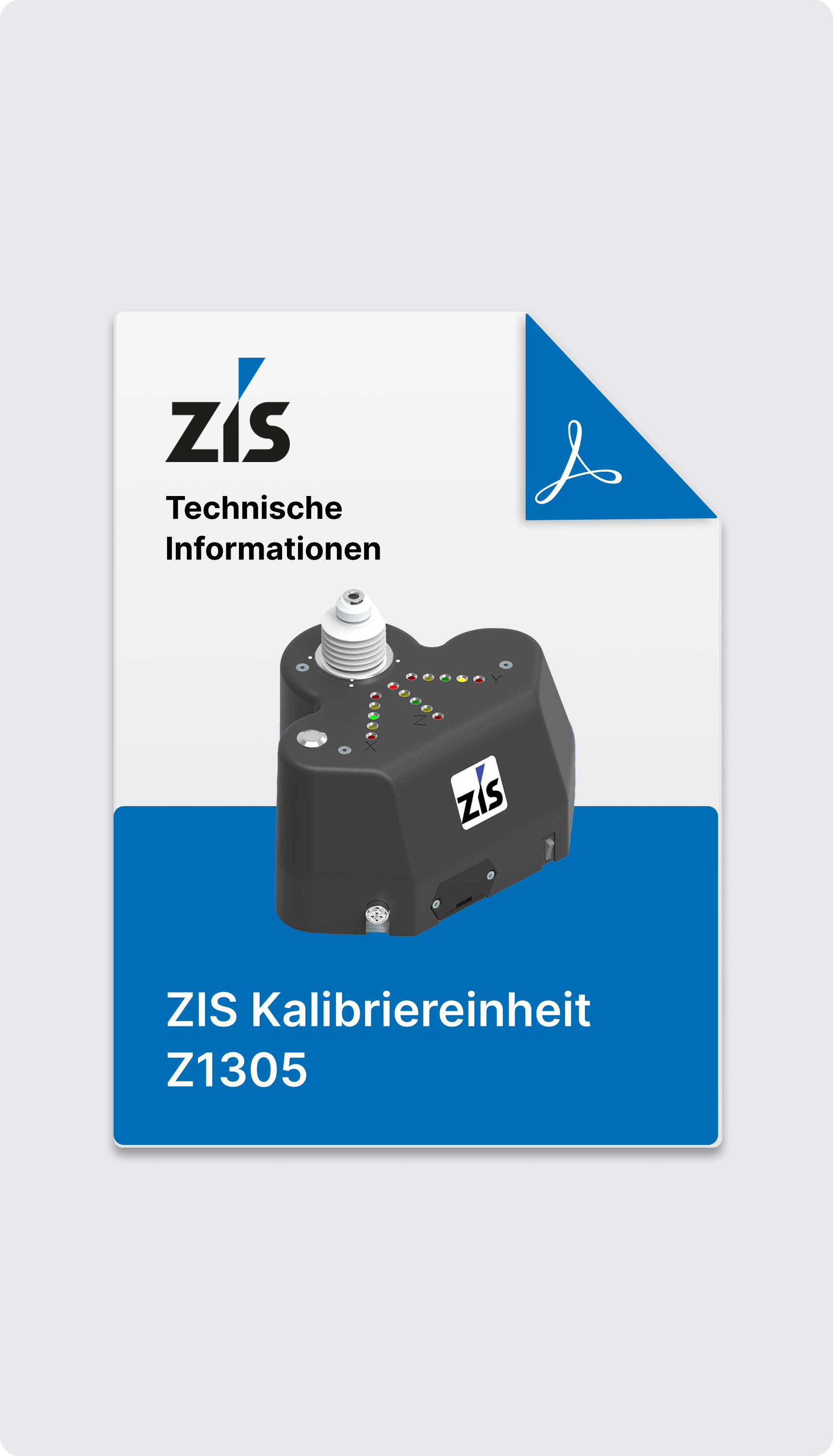
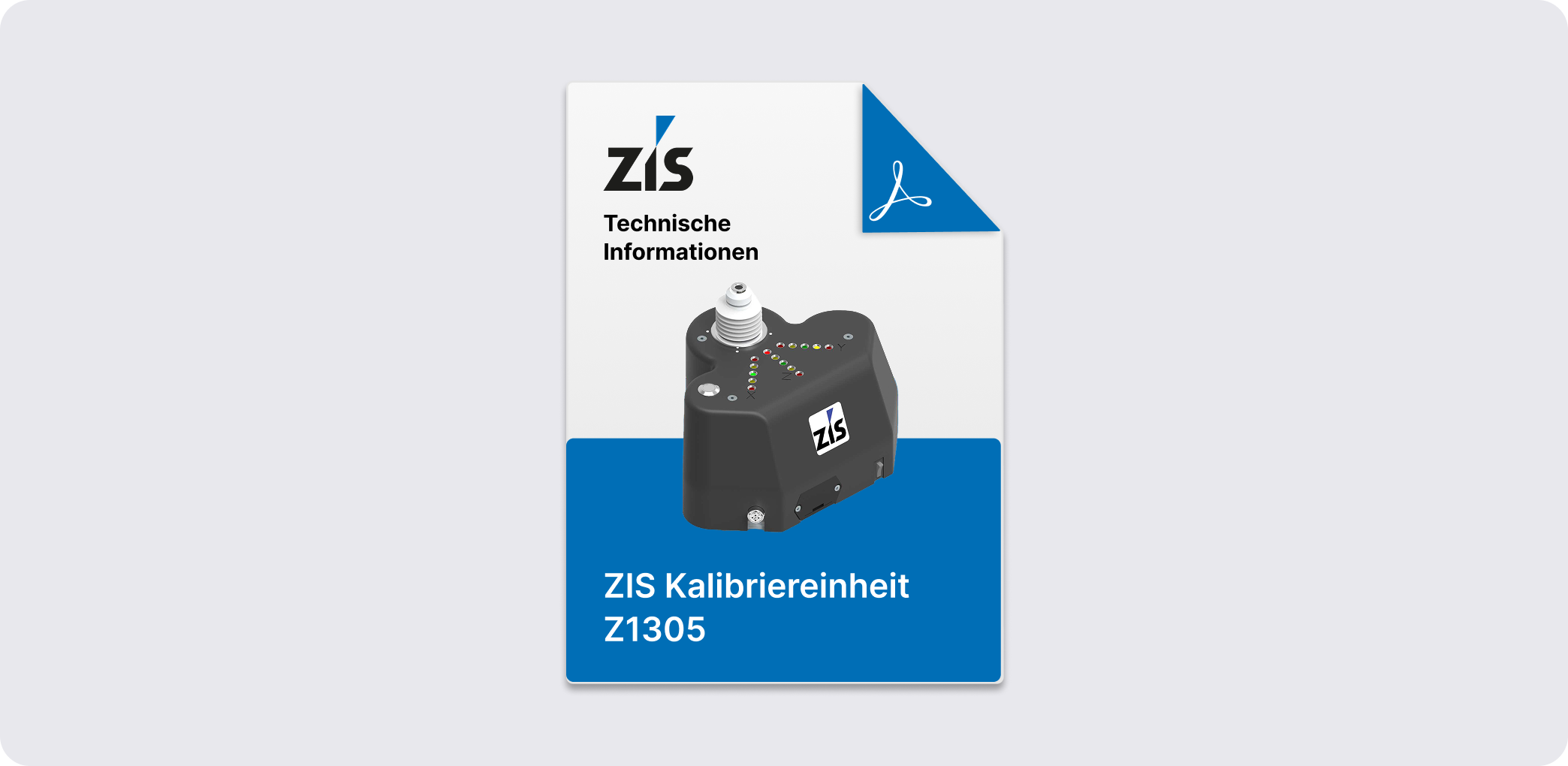
Download the Z1304 data sheet now
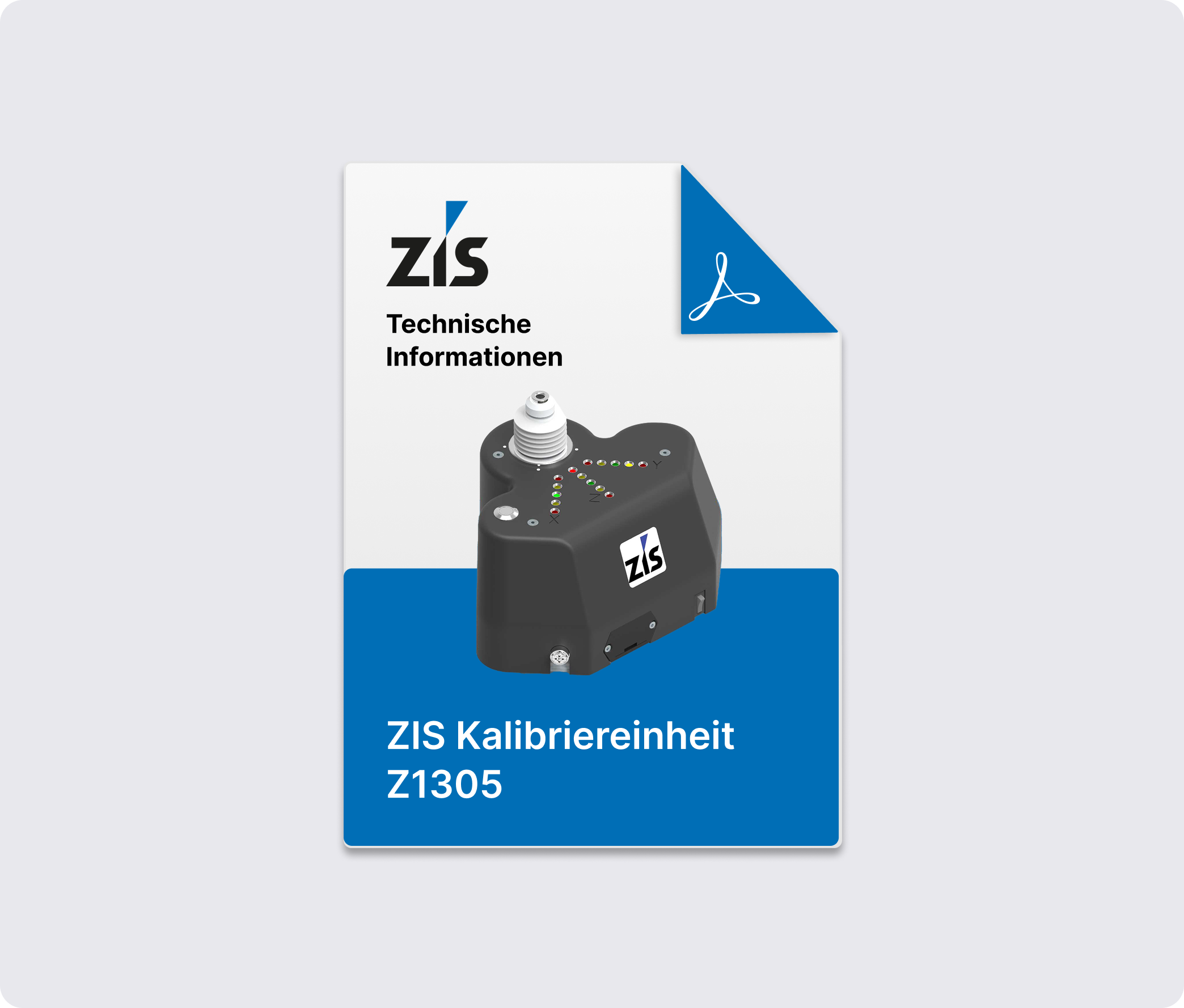
All technical details, installation instructions, and specifications for the Z1304 robot calibration unit summarized in a compact format – available for download as a PDF.

Some answers

Why is robot calibration necessary?

Robots are sequential kinematic structures consisting of 6 drives arranged in series. Due to this kinematic structure, a robot must move all 6 drives to execute a simple linear motion.

The manufacturer supplies only the robot itself; tools and grippers are subsequently attached by system integrators or end users. For a robot to recognize the necessary geometry of these tools, the TCP must be measured and the zero position of the axes must be set. This process is known as robot calibration.

What is a TCP (Tool Center Point)?

The TCP, or Tool Center Point, refers to the robot's tool coordinate system. For a MAG welding torch, for example, the Tool Center Point is located at the tip of the wire. Geometrically, the TCP represents the offset vector from the robot's flange coordinate system to the tool coordinate system. In addition to axis calibration (setting the zero position of the robot's 6 drive axes), measuring the TCP is a prerequisite for precise robot calibration.

How is a TCP (Tool Center Point) calibration performed?

The TCP (Tool Center Point) can be calibrated using several different methods:

  • Multi-point calibration
    The robot approaches the same spatial point with the TCP in various orientations. The number of required orientations depends on the robot type used (KUKA – 4 orientations, FANUC – 3 or 6 orientations). Based on these orientations, the robot automatically calculates the TCP.
  • Calibrated tool
    The tool is measured absolutely on an external device, and the TCP values are manually transferred to the robot as coordinates.
Can I use different TCPs for my robot?

To accommodate different tools, robot controllers allow for the storage of various TCP values. Selecting a tool automatically activates its corresponding TCP vector.

How does a ZIS robot calibration unit assist in measuring the TCP?

In practice, robot measurement often presents users with numerous challenges. The ZIS robot calibration unit simplifies the measurement process and ensures repeatable accuracy, regardless of the operator. The following functions are supported for industrial robot calibration:

  • For multi-point calibration, the calibration unit functions as an electronic probe. The LED indicators on the top show the user exactly how to move the robot to reach the target position.
  • The "RobCal" software allows the device to be connected to a laptop via WiFi. Calibration accuracy can be verified and recorded by performing a rotation around the TCP.

How can I use the data from "RobCal"?

Data recorded by "RobCal" can be used in the following formats:

  • Basis for calculating robot accuracy within the "RobCal" software by determining the TCP deviation in the three main planes.
  • Save as a DXF file for further use or analysis in a CAD system.
  • Print TCP accuracy in a PDF report for customer documentation or archiving.

Do you have any questions?

Contact us to learn more about our products.
We are happy to help you find the right product.
Thank you! Your submission has been received!
Oops! Something went wrong while submitting the form.
Phone:
+49 3764 18687 0
Office:
Dänkritzer Weg 4
08393 Meerane